be here and there
Kyber for remote desktop
High-performance remote desktop for any machine. Single port. Firewall-friendly.
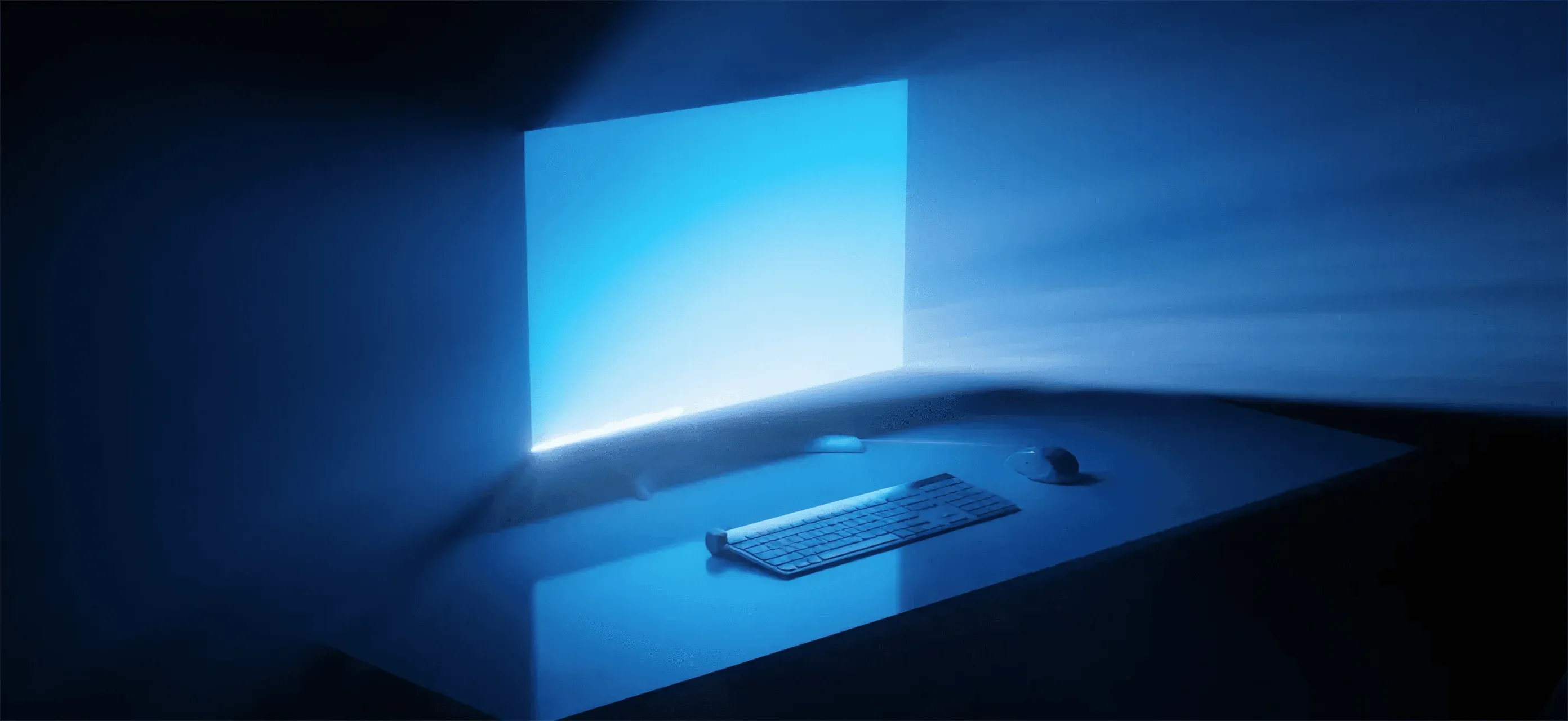
Work on any machine, wherever you are, with the responsiveness, image quality and control of a local desktop.
capabilities
REMOTE ACCESS IS HISTORY. REMOTE CONTROL IS HERE.
Kyber is the bridge between locations, making distance irrelevant for high-stakes workstations.
Kyber's single-clock synchronization means zero drift between audio, video, and peripheral inputs.
Sync the experience
Remote workstations shouldn't feel remote.
By locking every stream to a single-digit millisecond clock, Kyber ensures that your remote machine responds with the same instantaneous feedback as a local PC on your desk.
Kyber's protocol makes real-time control possible over fluctuating public networks
Defy the network
Stability shouldn't depend on proximity. Even across unstable corporate networks or varying bandwidths, Kyber maintains a high-fidelity, low-latency stream that allows for high-stakes creative and technical work without interruption.
Kyber operates securely through any corporate firewall with a single encrypted port.
Navigate the barrier
Access is nothing without security. One single port allows you to bypass complex infrastructure hurdles instantly, delivering a high-performance workstation experience to any location without compromising enterprise security protocols.
Pixel-perfect streaming
High-quality desktop streaming. High-fidelity desktop rendering with consistent frame rates. Built for 3D, video, CAD, and complex graphical workloads.
Sub-frame latency
Low-latency input-to-display.
Near-instant input propagation from device to screen.
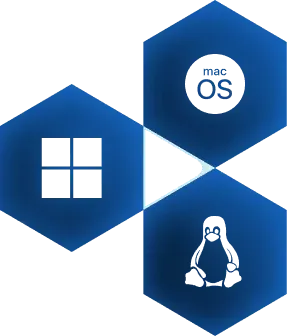
Any OS. Any direction.
Cross-platform client & server.
Mac, Windows, and Linux supported on both ends.
No ecosystem lock-in. No compromise.
Firewall-native
Secure, single-port connectivity.
Runs through corporate firewalls using a single port.
No VPN gymnastics. No brittle network configs.
adaptative.
performant.
scalable.
Adaptive by default
Graceful degradation. Dynamic adjustment to bandwidth and latency changes. Sessions adapt instead of stalling or dropping.
Device-agnostic
Multiple devices. Connect from multiple machines, anywhere. Same desktop. Same performance.
Built to operate at scale
Management platform. Centralized control of users, machines, and access. Designed for real-world production environments.
use cases
DESKTOP uNLOCKED.

Built by the
VLC team
20 years of video infrastructure. Billions of devices worldwide. The same people who solved video playback are now solving real-time machine control.
Frequently Asked Questions
What licence do you use?
Kyber uses a dual licence model.
Open Source AGPL v3 :
- Free to use, but inherits all properties from the AGPL Licence : each solution integrating kyber must be published using the Open Source AGPL Licence.
- Streaming only
- Community Support
Commercial Licence : this licence enables :
- Dedicated support
- Integration support in your ecosystem
- Access to specitifc features, such as kyhub, our administration portal
- Shared source (without distribution rights)
Can I install Kyber myself?
Yes you can, just go to our gitlab installation guides : https://gitlab.com/kyber/kyber#where-to-start
What support do you offer?
Kyber support depends on the licence you use.
If you use the open source licence (AGPL v3), you will be able to access the community support. You can find help here : https://www.reddit.com/r/kyber/
You can also access dedicated support by acquiring a commercial licence and contact our sales team directly.
Where are you located?
Our main offices are in Paris and we also have offices in San Francisco and Singapore to support our client's needs.
How do you support the Open Source community?
We are strong supporters to the Open Source Community.
Kyber releases its main product on a AGPL v3 Licence.
Kyber is based on VLC libraries and FFMpegs and contributes strongly to their evolutions.
We also mainly use open source solutions that we self-host often. And we try to contribute to their evolutions as much as we can.